

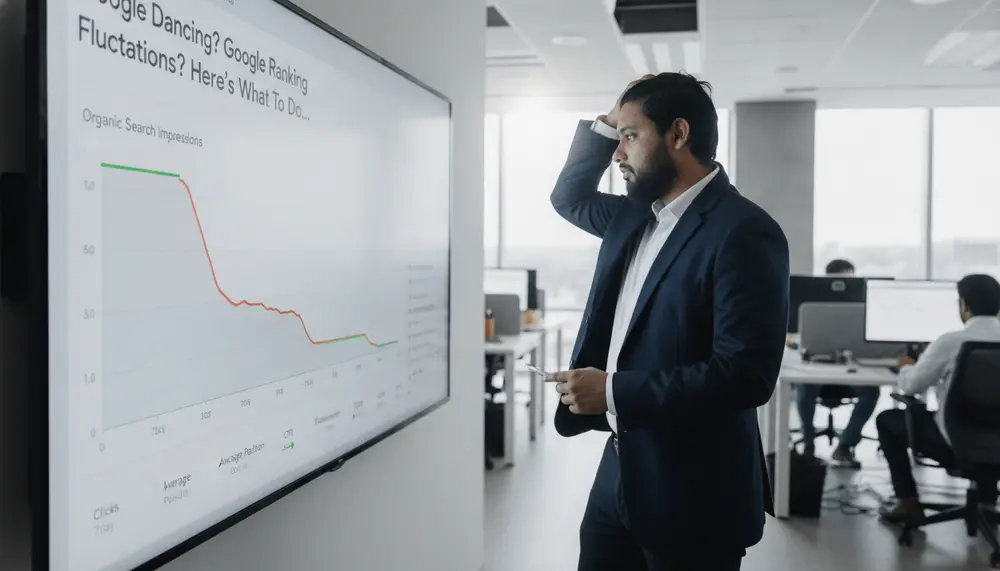
Waking up to a steep drop in organic search traffic can trigger immediate panic. Before you start rewriting your entire site or changing your URLs in a hurry, you need to identify the exact cause of the movement.
To resolve Google ranking fluctuations, first determine if the volatility is site-wide or page-specific, then check Google Search Console for manual actions or crawl errors. If the fluctuation aligns with a core algorithm update, audit your content quality and user experience signals rather than making immediate, reactive technical changes.
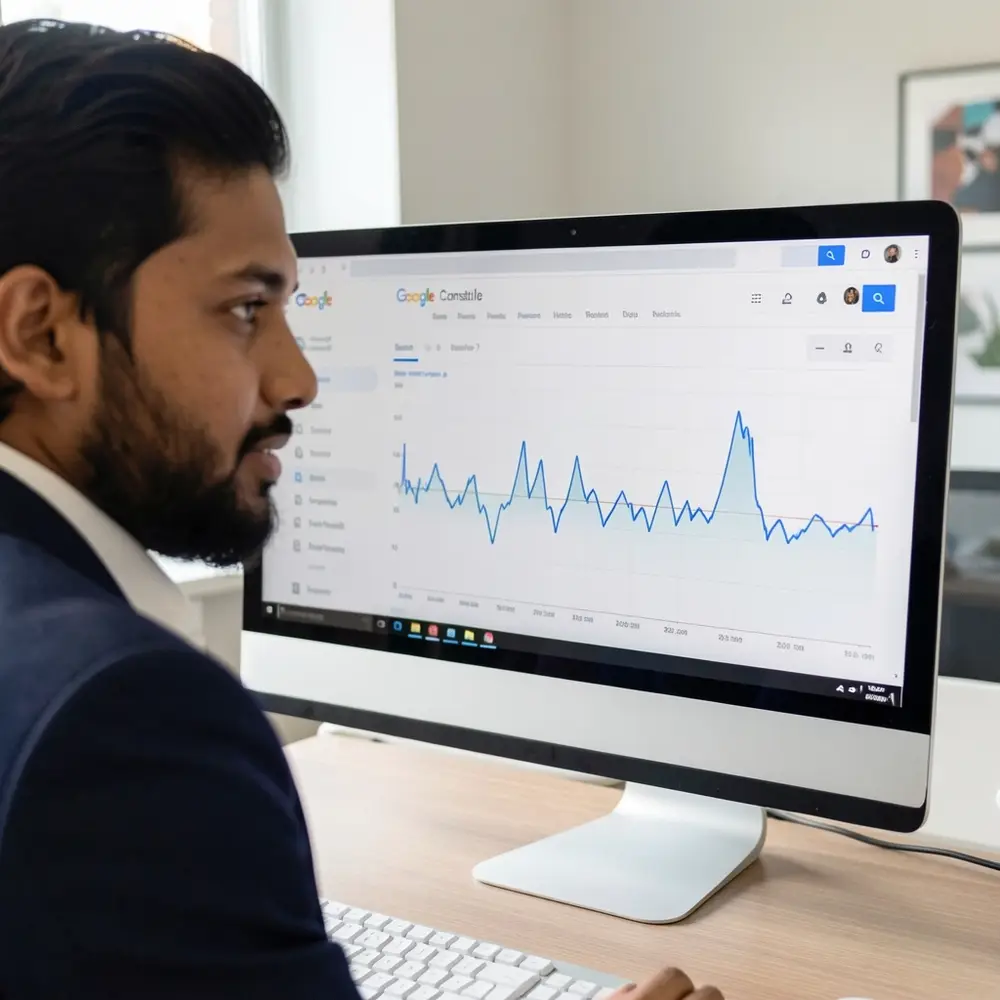
I remember sitting at my desk when a major e-commerce client lost 40% of their organic traffic in a single morning. My hands were sweating as I stared at the analytics screen, realizing that a rushed decision to change our metadata templates would only bury us deeper.
Key takeaways
When search rankings begin to shift, making rash updates often complicates recovery. Establishing a methodical diagnostic framework allows you to isolate infrastructure issues from algorithm adjustments.
Understanding the root cause of ranking shifts ensures that your technical resources are spent on fixes that yield measurable improvements. The following list outlines the primary principles of handling search volatility.
- Isolate fluctuations by comparing page-level URL performance rather than tracking aggregate domain visibility.
- Differentiate between normal Google Dance testing cycles and permanent algorithm penalties before altering code.
- Prioritize technical infrastructure fixes first, followed by content depth and search intent alignment.
- Deploy a structured decision tree to avoid making reactive, uncoordinated changes during search engine volatility.
Why Is Your Organic Traffic Suddenly Spiking and Dropping?
Rankings in 2026 are highly dynamic because Google constantly tests how users interact with search results. This temporary movement, historically called the Google Dance, happens when the index updates and systems test alternative pages to see if they satisfy user intent better. If your page drops for a few days and then returns to its original position, you are likely witnessing this automated testing process.
I once spent four days debugging a site-wide drop for a client only to find a developer had left a test robots.txt file live on production. The initial panic led the team to suggest rewriting all our landing pages, which would have destroyed our content performance. That lesson taught me to check the basic infrastructure before questioning the quality of our writing.
If your rankings drop and do not recover within two weeks, you are likely dealing with a deeper issue. This could be a technical crawl blockage, an algorithm update adjustment, or a shift in how Google understands the query. Distinguishing between a brief testing cycle and a structural problem is the first step toward reclaiming your search positions.
In 2026, these fluctuations are often amplified by real-time user satisfaction tests. Google might temporarily rank a page in the top three for a few hours just to measure the CTR and scroll depth before deciding its long-term home.
The Diagnostic Matrix: Which Variables Control Your Search Visibility?
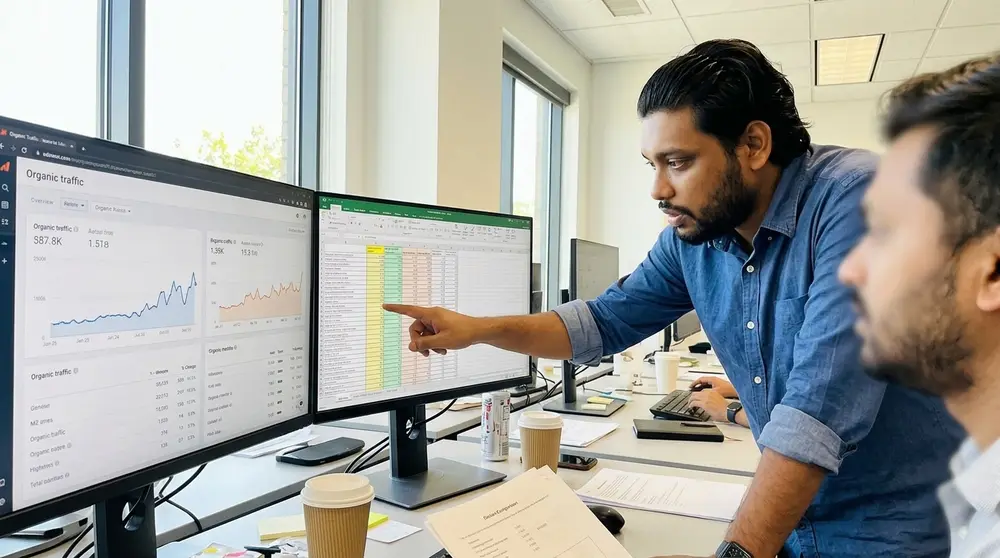
Identifying the cause of a ranking drop requires looking at multiple data points simultaneously. You must separate the noise of daily search engine adjustments from clear trends in your technical setup and content metrics.
By analyzing specific variables in a systematic order, you prevent the common mistake of fixing problems that do not exist. Use the following subsections to isolate where the issue originates.
Evaluating Site-Wide Volatility Versus Isolated Page Drops
If your entire domain loses traffic at the same rate, the issue is almost certainly site-wide. A global drop usually points to a technical crawl error, a manual penalty, or a broad core algorithm update that affects domain-level trust. You can verify this by checking if your homepage and core category pages have dropped in unison across all target search queries.
If only a few pages or a single directory lost rankings, the issue is localized. Localized drops occur when specific pages fail to match search intent, lose internal links, or experience rendering errors. Compare individual page URLs in Google Search Console over a 30-day period to see if the drop is concentrated on specific templates.
I worked on a SaaS website where only the blog subfolder took a hit. By comparing directory-level data, we realized the product pages were completely fine. The issue was not a site-wide penalty, but rather a recent script update that added broken structured data to our informational posts.
To verify this, look at the ratio of landing pages receiving traffic before and after the drop. If the decline is spread evenly across 90% of your pages, the issue is structural, whereas a drop concentrated on three high-value blog posts suggests a content-specific problem.
Correlating Traffic Shifts with Confirmed Google Algorithm Updates
When search visibility drops, check the official Google Search Status Dashboard to see if a core update is active. If your traffic shift aligns perfectly with the start of an update, avoid editing your site immediately. Google updates often take several weeks to roll out completely, and making changes mid-update makes it impossible to tell what caused your recovery or further decline.
If the drop happens when no updates are running, check your server log files and search console reports. Unscheduled drops are usually caused by technical errors, competitor updates, or self-inflicted code changes. Keep a strict log of all development deployments so you can match traffic drops with specific code releases.
You can also monitor trusted search community platforms to see if other site owners are reporting similar volatility. If the wider search community is quiet, the issue is highly likely unique to your website infrastructure or your recent content modifications.
Keep in mind that Google's systems run multiple micro-updates that never get officially announced. If you see a drop that matches a sudden spike in third-party volatility trackers, treat it as a localized update and wait for the dust to settle before changing your tags.
The Core Recovery Path: How to Triage Volatile Search Rankings
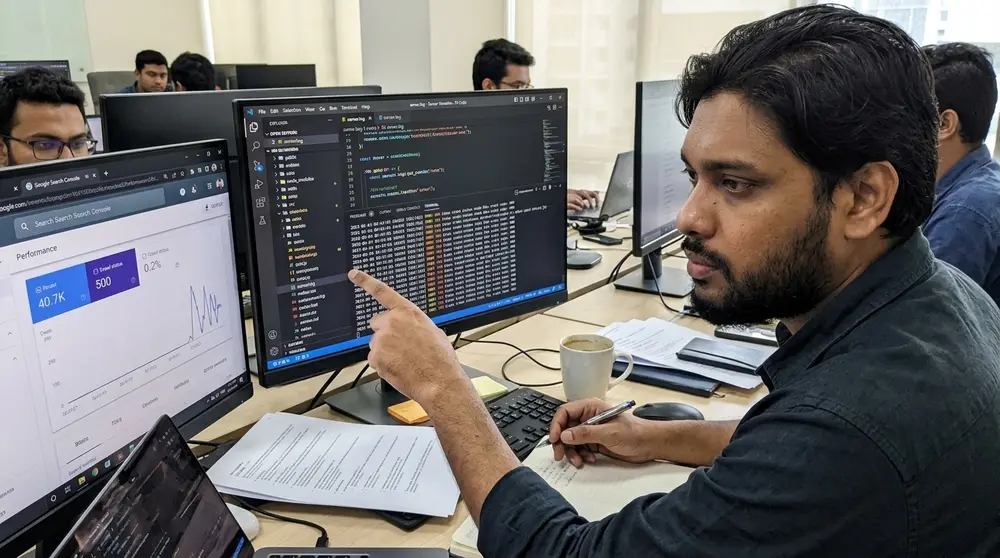
When you notice a drop in your analytics, you must follow a structured path to isolate the cause. Making random changes to your titles, links, or code during a period of volatility will only make it harder to identify the true problem.
The following steps outline the exact process for inspecting your site status. Follow these steps in order to ensure you do not miss critical technical flags.
Step 1: Inspecting Google Search Console for Manual Actions and Security Issues
The very first action is to log into your search console and look at the Manual Actions report under the Security and Manual Actions tab. If human reviewers at Google have determined that your site violates their spam policies, you will see a clear notification here. A manual action will cause an immediate, severe drop in rankings for either specific sections or your entire domain.
If you find a manual action, read the details provided to understand the exact policy violation. You must fix the issue, whether it is unnatural outbound links, thin content, or hacked pages, before requesting a review. You can read the official guidelines on the Google Search Console Manual Actions guide to learn about the submission process.
If the manual actions report says "No issues detected," check the Security Issues report right below it. Malware, phishing attempts, or harmful software downloads can cause Google to show a warning screen to users, which instantly tanks your traffic. Resolve any flagged security issues immediately by cleaning your server files and requesting a review.
I once saw a site get flagged for security issues because a developer left an old, unused database backup in a public directory. The lesson was clear: security hygiene directly impacts search visibility, and resolving these flags requires thorough server cleanup, not content edits.
Step 2: Analyzing Crawl Budgets and Render Errors in Index Coverage
If your site is clear of manual penalties, look at the Indexing reports to check how Googlebot reads your pages. Look for a sudden increase in server errors (5xx codes), redirect loops, or pages marked as "Crawled - currently not indexed." A sudden spike in crawl errors indicates that Googlebot cannot access your content, which leads to your pages being dropped from the index.
Use the URL Inspection tool to test live versions of your volatile pages. Pay close attention to the rendered HTML screenshot to ensure that your primary text and links are visible to the crawler. If your content relies heavily on JavaScript, rendering timeouts can cause Googlebot to see an empty page, leading to a rapid drop in rankings.
Check if your robots.txt file has been modified recently. A misplaced disallow rule can block entire directories from being crawled, causing them to fall out of search results within a few days. You can verify your setup using the testing tools found in the Google Search Developer Documentation.
Pay attention to the Crawl Stats report buried deep in the settings menu of Search Console. If Googlebot's average response time suddenly jumps from 200 milliseconds to over 1000 milliseconds, Google will automatically slow down its crawling, leaving new updates unindexed.

Branch A: What to Do If a Core Algorithm Update Triggered the Drop
If your ranking drop matches the launch of a core algorithm update, do not run to your code editor. If a core update causes your drop, the algorithm has recalculated how it values your content compared to other pages. Google has updated its understanding of quality, relevance, and user intent, meaning your previous setup may no longer match what searchers want.
If this happens, the correct response is to analyze the pages that replaced you in the search results. Look at the top three results for your target keywords and identify what they do differently. If they feature original research, clearer layout designs, or direct answers to user queries, your content needs to be updated to match that level of utility.
Avoid rewriting your content to sound like everyone else. Focus on demonstrating real first-hand experience, updating outdated facts, and removing unnecessary fluff that slows down the user. Allow the update to finish rolling out completely, which can take up to a month, before publishing your revised pages.
Take a close look at the search intent of the winning pages. If Google has shifted the SERP from informational guides to transactional product pages, no amount of content optimization will bring back your informational blog post's rankings.

Branch B: How to Resolve Technical Crawl and Indexation Failures
If your diagnostics point to technical failures, you must act quickly to restore your search presence. If a recent development deployment introduced crawl errors, revert the deployment to the last stable state while you work on a fix. If the drop is due to slow server response times, talk to your hosting provider about upgrading your resources or improving your caching strategy.
If you find redirect loops or incorrect canonical tags, correct them immediately. If Page A has a canonical tag pointing to Page B, but Page B redirects back to Page A, search engines will get stuck in a loop and eventually drop both pages. Ensure that all your canonical tags point to the single, live, indexable version of each URL.
Check your internal linking structure to make sure your most important pages are not orphaned. If a page has no internal links pointing to it, Googlebot will crawl it less frequently, which can cause its rankings to fluctuate. Add links to your key pages from high-authority sections of your site, like your homepage or core category pages.
Use log analyzers to track if Googlebot is wasting resources on useless parameters. If your site generates hundreds of dynamic filter URLs, block them in your robots.txt file to focus Google's crawling energy on your high-priority content.
Edge Cases: Handling Search Volatility During Site Migrations and Redesigns
Migrating to a new domain or changing your URL structure almost always causes temporary search volatility. If you recently changed your URLs, expect to see fluctuations for several weeks while Google crawls the redirects and updates its index. To minimize this, ensure that every old URL redirects to the most relevant equivalent page on the new structure using a permanent 301 redirect.
If you changed your CMS or redesigned your site, look at your page code to ensure that your headings and metadata did not change. Losing your H1 tags, alt text, or internal anchor text during a redesign is a common cause of ranking drops. Compare the HTML of your new templates with cached versions of your old pages to identify missing optimization elements.
Monitor your redirection logs daily during a migration. If you see a high number of 404 errors for pages that used to get organic traffic, map those old URLs to active pages immediately. Keep your old domain active with the redirects in place for at least a year to ensure search engines pass all historic signals to the new setup.
Check the HTTP headers of your redirected pages to ensure you are not serving cached 302 redirects. I once worked on a migration where a developer accidentally set up temporary redirects instead of permanent 301s, causing a three-month delay in link equity transfer.

The SEO Volatility Decision Matrix: Actionable Paths Based on Symptoms
When search performance shifts, identifying the correct fix requires looking at the symptoms. The following table provides a direct guide to matching your current symptoms with the correct diagnostic and corrective actions.
Use this matrix to determine your immediate action plan. If multiple symptoms appear, prioritize technical infrastructure fixes before addressing content issues.
Remember to update your internal tracking logs every time you execute an action from this matrix. Tracking the exact date of your fixes makes it simple to see which change actually triggered the recovery.
| Observed Symptom | Primary Diagnostic Check | Immediate Corrective Action |
|---|---|---|
| Domain-wide drop of 50% or more across all pages | Check Manual Actions report and security flags in GSC | Resolve policy violations or clean malware, then submit review request |
| Single subfolder drops while others remain stable | Compare recent code changes and URL inspection rendering | Fix localized rendering errors, broken links, or schema markup |
| Daily ranking bounces between page 1 and page 3 | Analyze competitor intent match and historical volatility patterns | Improve user engagement signals, update facts, and monitor without editing |
| Spike in 5xx errors and dropped indexed pages | Examine hosting server logs and CDN performance metrics | Optimize server resources, fix database timeouts, or scale hosting capacity |
Deciphering the Impact of Search Generative Experience and AI Overviews
Search results in 2026 rely heavily on direct answers generated directly within the SERP. Understanding how these AI-driven features affect your click-through rates is critical to diagnosing traffic loss.
Analyzing Traffic Loss to AI-Generated Answers
When Google shows an AI Overview at the top of the page, user behavior changes instantly. Even if your organic rank remains at position one, your click-through rate can drop by more than half because the user gets their answer without clicking.
To check if this is happening to your site, look at your search console impressions and click data for specific queries. If your impressions remain stable but clicks drop sharply, inspect the live SERP to see if an AI block is pushing organic results down the screen.
I recently worked with a medical advice site that lost 30% of its clicks on informational queries. The rankings had not dropped, but Google's AI Overview was summarizing our content directly on the search page, removing the need for users to visit.
Optimizing for Retrieval-Augmented Generation (RAG) Systems
To get cited within AI-generated summaries, your content must be structured in a way that LLMs can easily parse. Use clear, direct answers at the top of your pages before diving into detailed explanations.
Focus on building strong brand associations with specific topics so the AI model recognizes your site as a trusted source. This means producing original data, quotes from subject matter experts, and unique case studies that cannot be easily scraped elsewhere.
Avoid writing generic summaries that repeat common knowledge. The more unique your data and the clearer your formatting, the more likely Google's retrieval systems will select your page as a citation source in their AI answers.
JavaScript Rendering and DOM Discrepancies
Modern web frameworks often hide content from search crawlers behind complex client-side scripts. Resolving DOM discrepancies is essential to ensure Google sees the same content your users do.
The Difference Between Client-Side and Server-Side Rendered Content
Client-side rendering requires Googlebot to run your JavaScript before it can read your text and links. Because rendering requires massive computing power, Google often delays this step, causing temporary indexation drops.
Server-side rendering, on the other hand, delivers the fully built HTML page directly to the crawler. This ensures that Googlebot can index all your content during its initial crawl without waiting for script execution.
I remember a product catalog site that switched to a client-side framework and immediately lost half its indexed pages. The developer assumed Googlebot could render everything instantly, but the second-wave indexing delay kept their new products hidden for weeks.
Identifying Hidden CSS and JS Layout Shifts That Block Indexing
If your page content shifts significantly while loading, Google's automated systems may flag it as a poor user experience. Large layout shifts can trigger algorithmic rank demotions that appear as unexplained volatility.
Use tools like Chrome DevTools to inspect if elements are hidden behind CSS properties like "display: none" during the initial load. If search engines cannot see your primary text immediately, they may flag the page as thin content.
Keep your critical CSS inline and load non-essential JavaScript asynchronously to avoid blocking the main thread. This simple shift ensures that the crawler receives a stable, readable layout from the very first byte.
Content Decay and Topic Cannibalization Audits
Over time, publishing multiple articles on similar topics can confuse search engines about which page to rank. Conducting regular content audits helps you clean up these internal conflicts.
Identifying Internal Keyword Competition Across URL Templates
When two pages on your site target the same search intent, Google's algorithm will frequently swap their rankings. This causes constant volatility as the system tries to decide which page is the best match.
To find these conflicts, search your domain in Google using site operators combined with your target keyword. If you see multiple pages with similar title tags and content, you are likely suffering from keyword cannibalization.
I once resolved a ranking bounce for a real estate client by merging three separate articles about home buying tips into one comprehensive guide. The single, unified page went from bouncing on page three to ranking in the top three within a week.
Pruning vs. Refreshing Outdated Content Assets
Leaving outdated, low-quality pages live on your site drains your crawl budget and dilutes your domain authority. You must decide whether to update these legacy pages or delete them and redirect their URLs.
If a page has historically earned high-quality backlinks but its traffic has dropped, refresh the content with updated facts and new insights. If the page has zero traffic and no backlinks, delete it and set up a 301 redirect to a relevant category page.
We regularly run this pruning process for our clients to keep their sites lean and focused. Reducing the total number of indexable pages often results in a quick boost to overall organic search visibility.
Advanced Backlink Profile Audits During Search Volatility
External links remain a primary ranking factor, but sudden changes in your link profile can trigger search algorithm flags. Auditing your incoming links helps protect your site from negative SEO.
Identifying Negative SEO and Spammy Backlink Spikes
Competitors or automated scrapers sometimes direct thousands of low-quality links to your site in a short period. While Google's systems are good at ignoring spam, a massive influx can still cause temporary ranking drops.
Monitor your link profile using tools like Ahrefs or Semrush to watch for sudden spikes in referring domains. If you notice thousands of links from foreign-language forums or adult sites, check if your core pages are dropping.
In my experience, most spammy links are ignored automatically, but it is still wise to keep a clean profile. If you see a sustained drop alongside a spam spike, consider using the Google disavow tool as a last resort to protect your site.
Dealing with the Loss of High-Value Editorial Links
A sudden drop in rankings can sometimes be traced back to the loss of a few high-authority editorial links. If a partner site closes, deletes an article, or adds a "nofollow" attribute, your page loses its link equity.
Check your lost link reports weekly to identify which high-value domains have stopped linking to you. Reach out to the site owners if the link removal was accidental, or try to earn new links to replace the lost authority.
I watched a client lose their top-three ranking for a high-volume keyword because a major news publication updated an old article and removed our link. Rebuilding that lost authority required launching a fresh PR campaign to earn new editorial placements.
When to Escalate: Partnering with Enterprise AI and Product Innovation Experts
If you have resolved all crawl errors, confirmed that your site is clear of manual penalties, and waited for algorithm rollouts to finish, yet your traffic continues to decline, you may be facing a deeper architectural challenge. Modern search engines use complex rendering pipelines and machine learning systems to understand your content. Simple optimization tricks are often not enough to fix issues on large, complex enterprise platforms.
If your site handles millions of pages or relies on dynamic database generation, standard recovery methods might fall short. At this stage, you need specialized consulting to analyze your system architecture, rendering patterns, and content delivery setups. We help organizations resolve deep technical search challenges, align their platforms with modern search standards, and build durable organic visibility.
If you need to diagnose complex search issues or want to rebuild your search performance, reach out to explore our specialized consulting services. We can audit your system, identify the root causes of your volatility, and build a clear path to recovery. Let's work together to make your technical infrastructure a reliable source of organic growth.
If you are ready to stop guessing and want to implement a structured, data-driven recovery plan, our team can help. We specialize in diagnosing complex technical issues, optimizing rendering paths, and restoring organic search performance.
Frequently asked questions
How long do Google ranking fluctuations typically last during a core update?
Can a sudden drop in search rankings indicate a manual action?
Why does a webpage dance or fluctuate in search results?
Explore more on SEO
About the author
I'm MD Nazmul — a builder and founder from Bangladesh. For almost ten years I lived in marketing: SEO, paid ads and growth, earning Top Rated status on Upwork and Fiverr. …
Leave a comment